Sep 10, 2026Residential ESS
Will Home Battery Monitoring Work When the Internet Is Down?
Understand what home battery monitoring, local controls, Wi-Fi, cloud alerts and remote support can do during a grid outage.
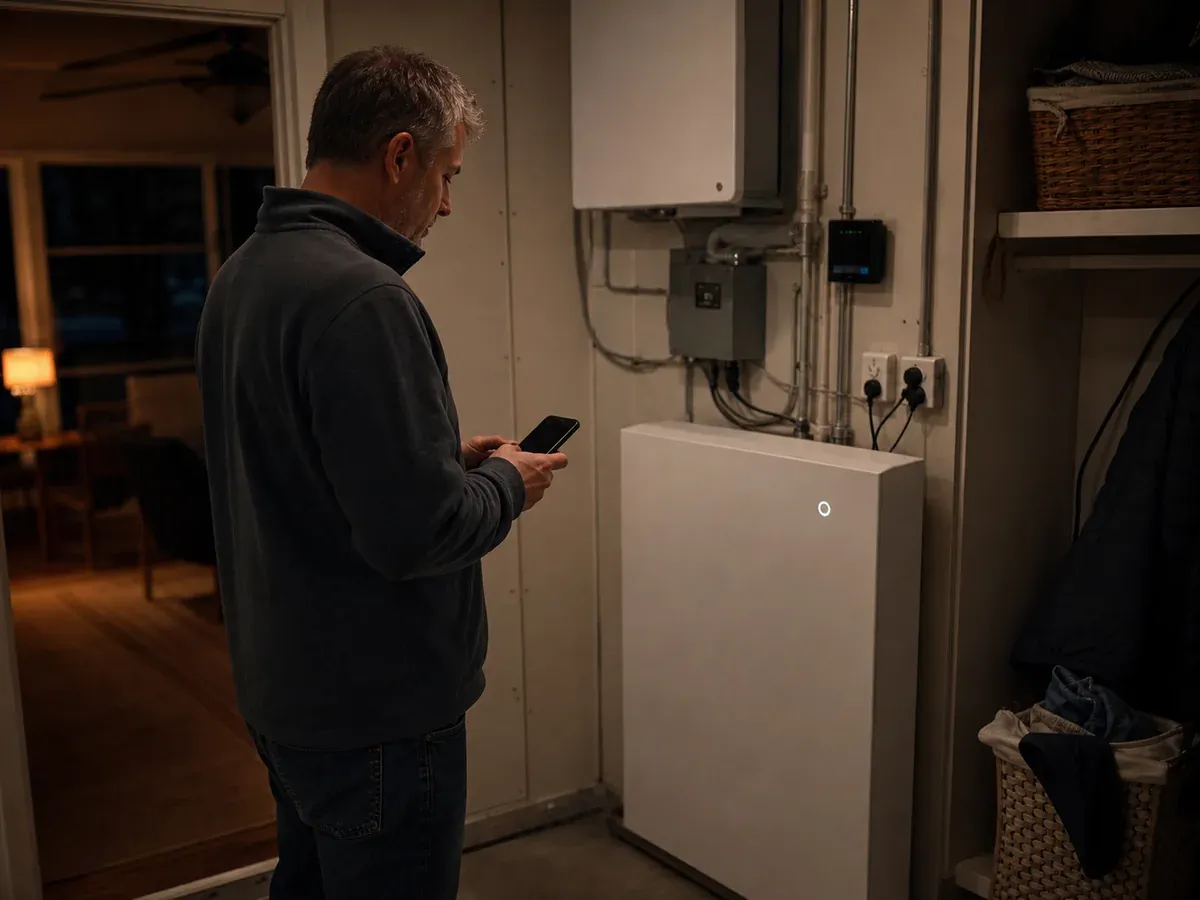
The grid goes down, the lights stay on, and the homeowner opens the battery app. Nothing loads.
That does not automatically mean the battery failed. The power system, local controls, home Wi-Fi and cloud service are separate pieces. A good backup design explains what still works when one of them disappears.
Four layers buyers often mix together
Battery and inverter controls
The core system should manage charging, discharging and protection according to its design. Ask which functions remain local and which depend on an internet connection.
Home network
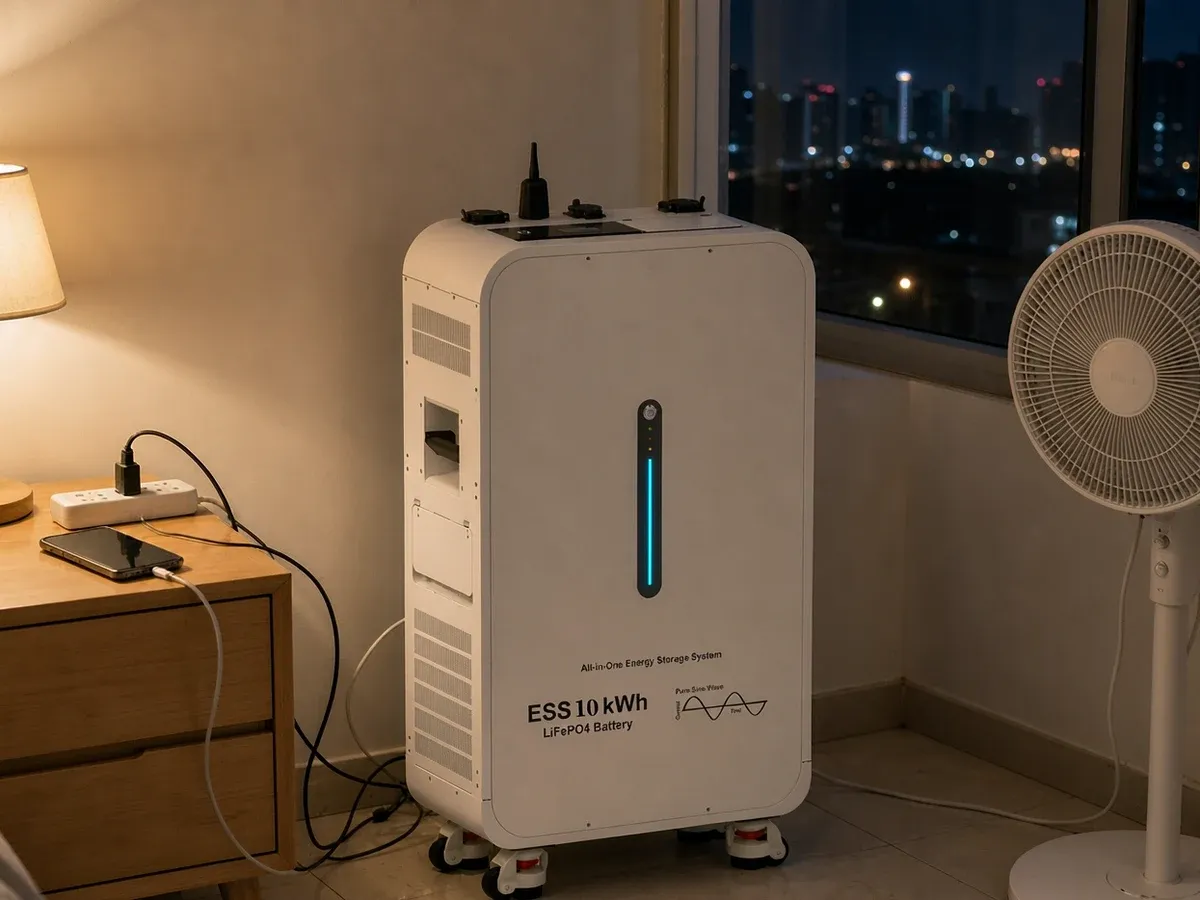
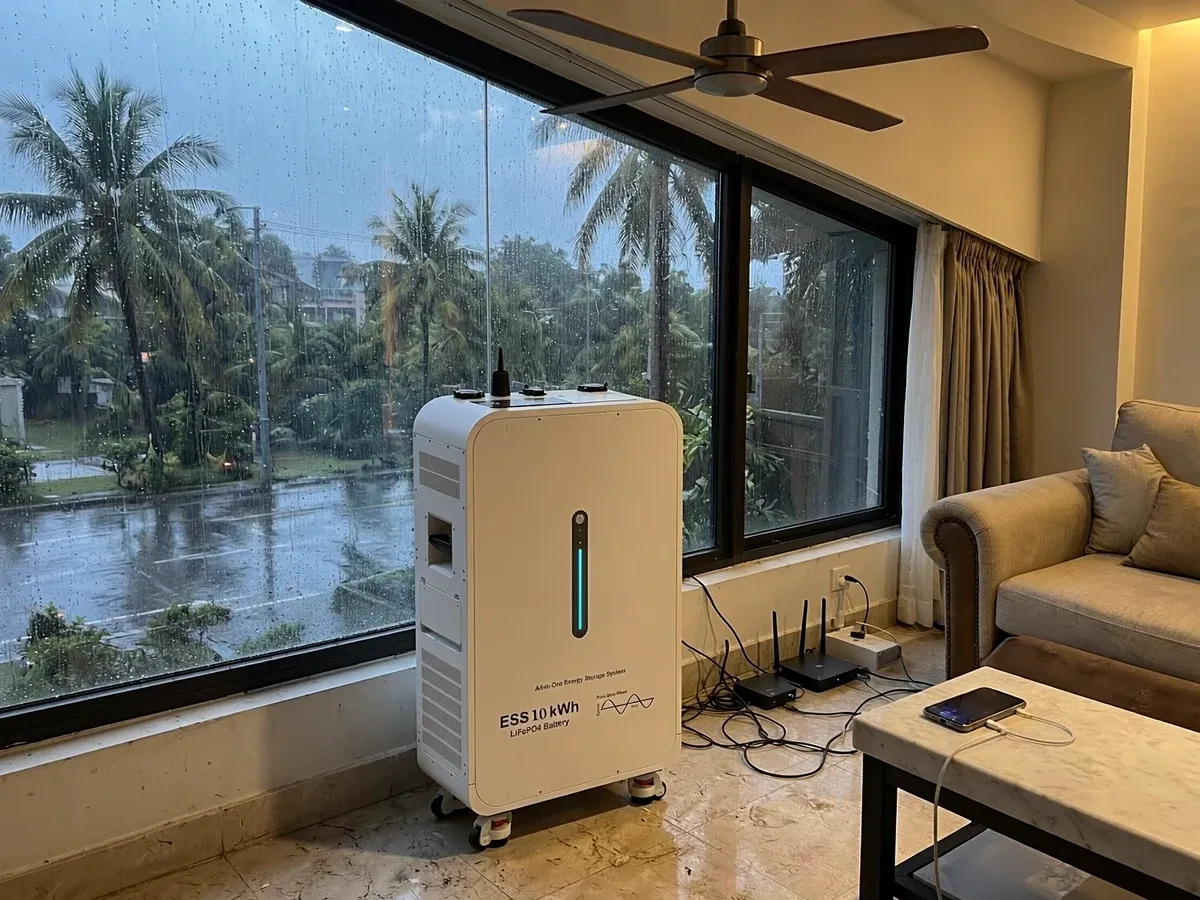
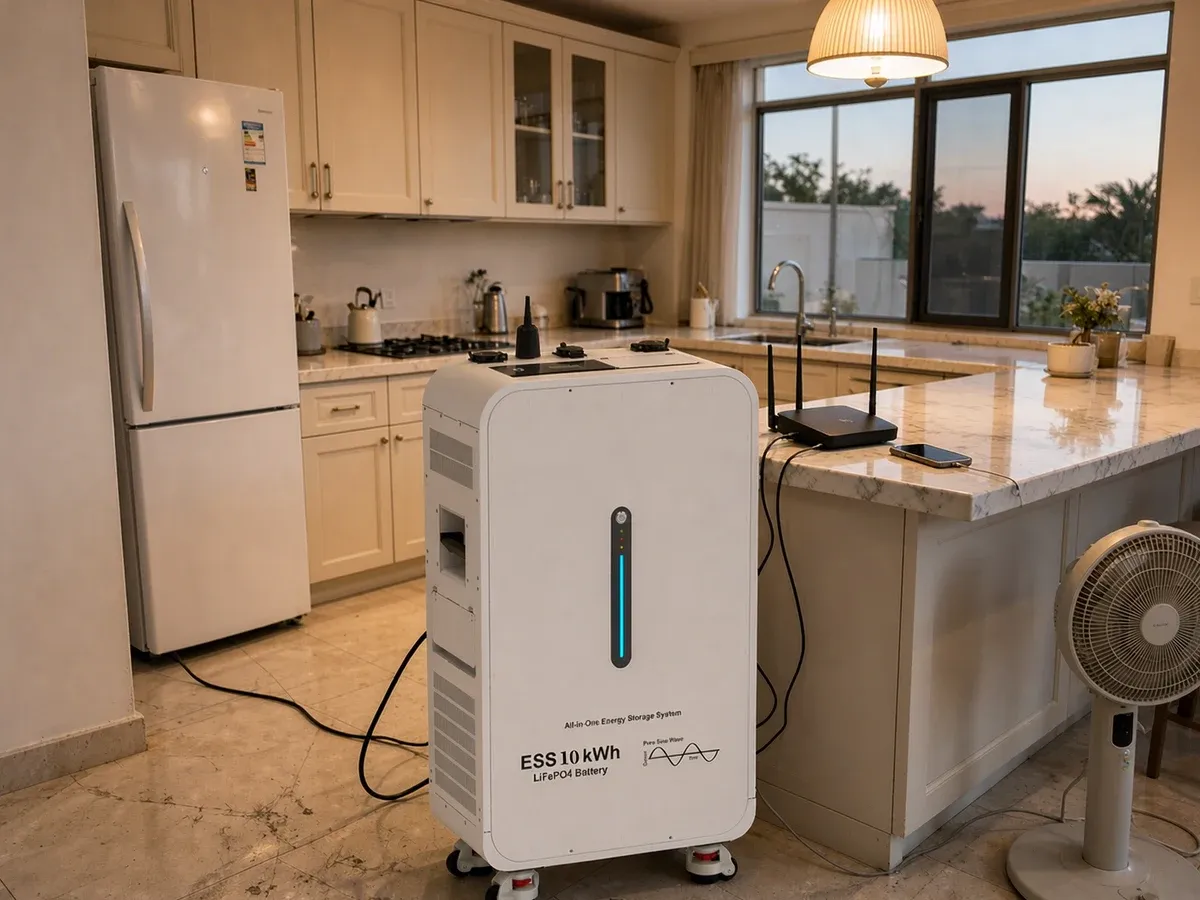
A router and modem need backup power if the homeowner expects Wi-Fi during an outage. The local internet provider may also lose power upstream, so a powered router is not a guarantee of internet access.
Mobile or cloud monitoring
Some apps depend on remote servers and the home’s internet connection. Ask whether local status is visible on the equipment, whether alerts are delayed offline and how data synchronizes after reconnection.
Remote service
Installer or supplier access can help with diagnostics, but only when communications are available and permissions are configured. Define who receives alerts and who is expected to act.
Build a monitoring plan before the outage
A practical handover should answer:
- Where can state of charge be checked locally?
- Which warning lights or codes matter?
- Does the router sit on a backed-up circuit?
- Is cellular backup available or necessary?
- Who receives fault and low-battery alerts?
- Can settings be changed remotely?
- Which changes require installer approval?
- What information should be recorded before calling support?
Keep the answer on one printed page near the electrical panel. A phone screenshot stored only in the cloud is a poor emergency plan.
Do not confuse visibility with control
Monitoring tells you what the system reports. Control changes how it operates. Homeowners should understand the difference between viewing status, changing backup reserve and overriding schedules.
During an outage, random experimentation can shorten the backup window. Agree on a simple operating rule: preserve essential loads first, then add optional loads only when state of charge and recharge conditions allow.
A useful outage test
Do not wait for a storm to discover that the router is on the wrong circuit. With the installer’s guidance and local safety rules, test the intended backup mode and check:
- essential circuits transfer as expected;
- local status remains readable;
- router and communications behavior are understood;
- alerts reach the correct person;
- the household can identify high-demand loads;
- reconnection behavior is documented.
The goal is not theatre. It is a calm, repeatable response when the grid is actually unavailable.
Choosing a residential system
Monitoring features should be evaluated alongside capacity, inverter pairing, selected loads and service support. Review LinkPower residential storage options and request current configuration details:
https://www.linkpoweress.com/products/5kwh-residential-battery-backup-systemhttps://www.linkpoweress.com/products/10kwh-all-in-one-home-energy-storagehttps://www.linkpoweress.com/products/16kwh-premium-energy-storage-for-villas
What to include in an enquiry
Send the country, site type, internet availability, essential-load list, desired backup duration, solar status and who will provide local installation and service. If remote sites are involved, explain how quickly someone can reach the equipment.
That gives LinkPower enough context to discuss the battery and the support plan—not just the app icon.